


 02-11-2026
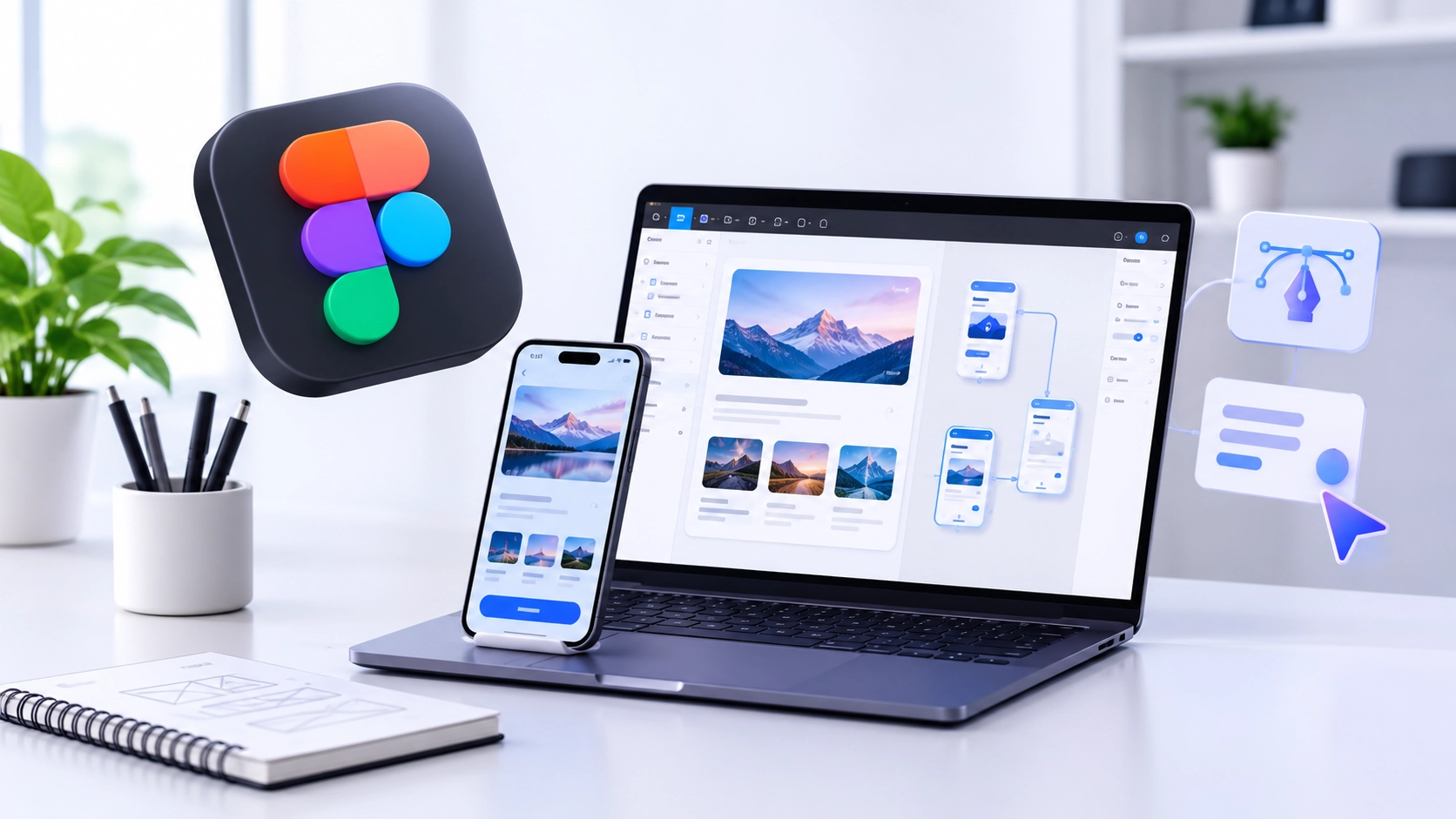
The Best Website Design Company understands that the designing of an effective website is not simply about incorporating beautiful colors and graphics and designs into the website. The whole process must start with the planning of how the design and functionality of the website should be. This becomes easy using the Figma software because it acts as a collaborative design environment which enables designers to create wireframes, layouts, and interactive prototypes of their designs.
Understanding the Role of Figma in Website Design
Figma is a cloud design application that helps designers build the layout and interface for websites. The software creates a neat environment where people collaborate, give feedback and make changes without having to exchange many design files.
Whether you are a beginner or a professional, Figma streamlines the process of Website Designing due to its features like reusable components, design system, auto layout, and prototyping, which make the process easy and quick to design your websites.
From Wireframes to Complete Website Prototypes
The webpage design process begins with wireframing. Wireframes include the structure of the web pages without taking care of the visual aspects of the web page. The wireframe helps designers in planning the position of navigations, banners, buttons, pictures, and other sections of contents.
After getting the approval on wireframes, designers may proceed to design.
Important Steps in the Figma Design Process
- Wireframe: Plan the website structure, sections, navigation, and content placement.
- Visual Design: Decide on color scheme, typeface, icons, graphics, and other interface elements.
- Reusable User Interface Elements: Create buttons, header, footer, and other reusable elements that will be used on all pages of the website.
- Interaction Design: Connect various screens, add interactivity to them, and demonstrate the process of navigation through the website.
- Prototype Testing: User flow testing, solving design problems, and enhancing the user experience before the website goes live.
Importance of Responsive Design in Figma
Website designing today has to be compatible on computers, tablets, and mobile phones. Figma helps designers create layouts for different screen sizes. It also allows them to understand how website elements behave when screen dimensions change.
The Best Responsive Web Design is a well-thought-out plan which ensures ease of navigation and improved browsing experience. Constraints and auto layout are some of the features which designers can utilize to make efficient layouts.
How Webriderz Services Pvt. Ltd. Approaches Modern Website Design
The Webriderz Services Pvt. Ltd. recognizes the importance of bringing together the creativity aspect with functionality. The emphasis here is placed on understanding the requirements of the organization and planning the structure of the website along with its user interface.
The use of Figma makes the interaction between the designer, developer, and the client easier, as the picture of how the website will be at the end is clearly visible.
Conclusion
Figma has revolutionized the way that designers go about planning and designing websites through interactive prototypes and wireframes. No matter what stage of designing your website is at, from the start to finish, the right process needs to be implemented. Partnering up with webriderz services pvt. ltd. will help businesses achieve the best results with their website design process.